

Introduction
CDS views rarely fail in SAP HANA projects because the syntax is difficult. Instead, they fail when a model that works in development is pushed into production without enough attention to data volume, associations, authorization, dependencies, and the way applications actually consume the data.
In practice, a CDS view can activate successfully and return the expected results while still creating performance problems later. Developers may build views in isolation, add unnecessary joins, use incorrect cardinalities, or allow dependencies to grow across multiple layers. As a result, a design that looked clean during development can become difficult to maintain and expensive to execute at production scale.
This guide takes a production-focused approach to CDS views in SAP HANA. It explains how to design reusable CDS models, where common implementation decisions go wrong, and which checks can help you identify performance and architecture problems before they reach production. Ultimately, the goal is not simply to create a working CDS view, but to build one that remains reliable, scalable, and maintainable in a real SAP environment.
What are CDS Views in SAP HANA
Instead, CDS (Core Data Services) views are advanced data modelling features in SAP HANA that enable developers to define structured Furthermore semantically rich data models directly at the database level.
CDS views build business logic into data modelling, which is a significant difference between traditional database views and CDS views. This enables better performance through code pushdown and less application-layer processing.
Key capabilities include:
- Defining relationships using associations
- Injecting business rules into the data model
- Annotations metadata
- Enabling reuse across multiple applications
Types of CDS views in SAP HANA
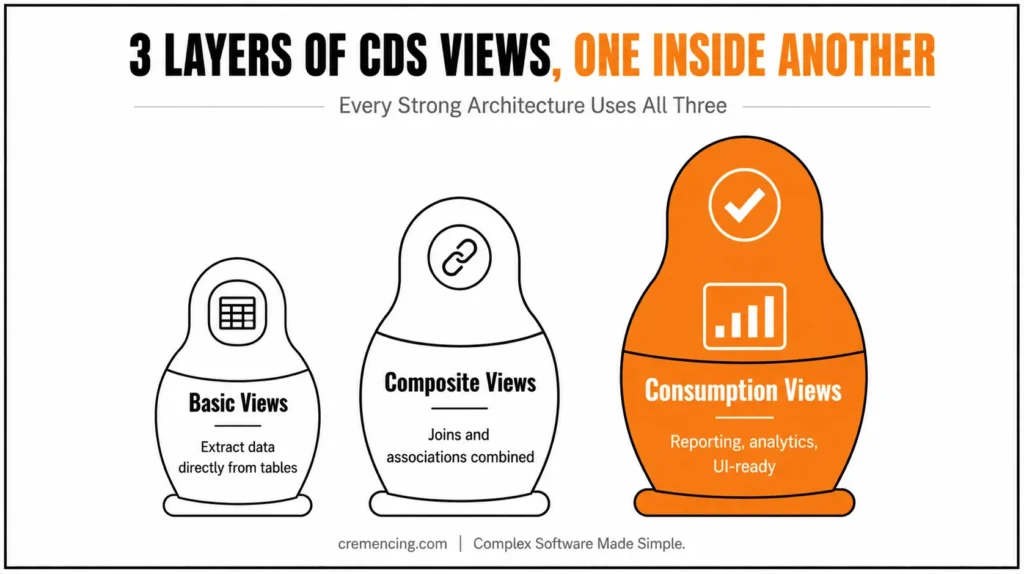
There are three main types of CDS views in SAP HANA:
- Basic Views: Used to extract data directly from tables
- Composite Views: Joins or associations to join data sets together and create composite views
- Consumption Views: Used for reporting, analytics, or UI consumption
An effective CDS architecture utilizes all three layers.
CDS Views in SAP HANA: Step-by-Step Process
As such, one needs to understand CDS views in SAP HANA step-by-step to build stable, scalable models. First, start by defining the business requirement and identifying exactly which application, report, API, or Fiori app will consume the data. This prevents unnecessary fields, joins, and calculations from being added simply because they may be useful later.
Next, identify the underlying tables and relationships required for the model. Pay particular attention to one-to-one and one-to-many relationships because incorrect cardinality can cause duplicate records or unexpected results when consumers follow associations.
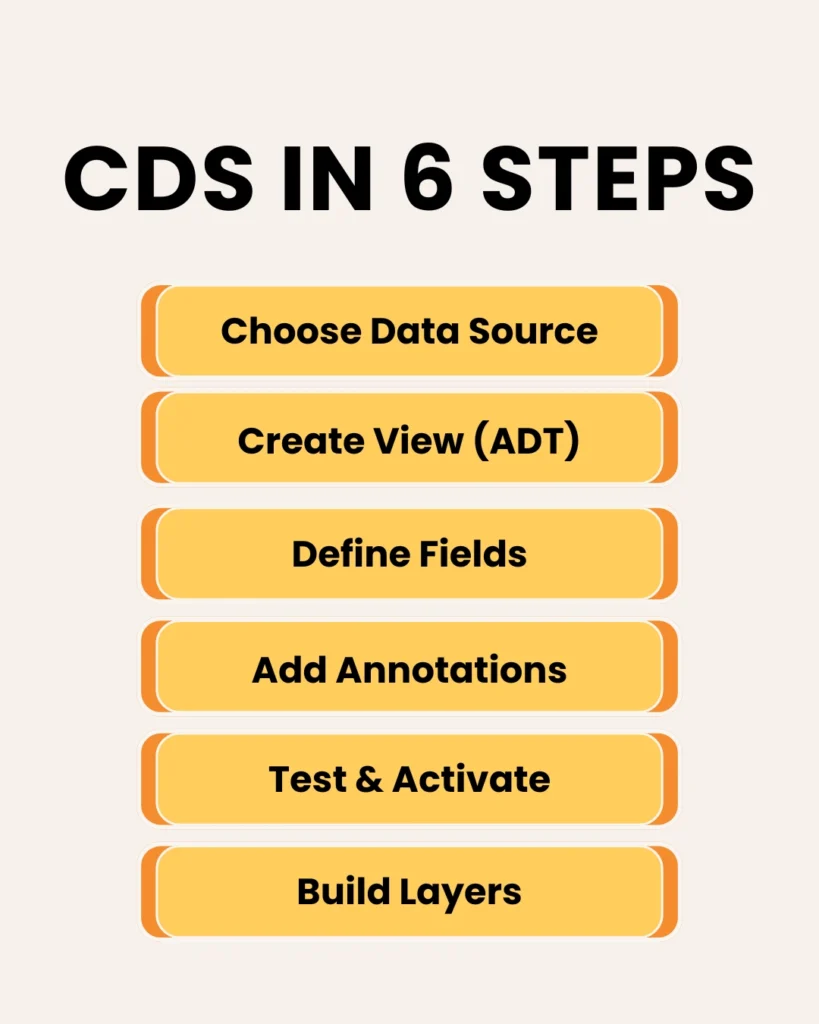
Step 1 – Define the Data Source
The first step is identifying the right data sources.
Step 2 – Create CDS View at HANA Studio
Go through the regular steps to create a CDS view in HANA Studio:
- Open ABAP Development Tools (ADT)
- Create a new DDL source
- Define the SQL view name
- Add necessary annotations
This step implements the technical definition of your CDS view.
Step 3 – Create Fields and Relations
- Use only necessary fields and describe associations properly.
- Use Associations instead of Joins for More Flexibility
- Avoid unnecessary field selection
- Maintain clear relationships between entities
This improves readability and performance.
Step 4 – Apply Annotations
Annotations determine the behavior of the CDS view.
Common annotations include:
- @AbapCatalog.sqlViewName
- @AccessControl.authorizationCheck
- @EndUserText.label
Annotations manage authorization, metadata, and exposure.
Step 5 – Activate and Test
After creating the view:
- Activate the CDS object
- Validate output data
- Check execution performance
- Test edge cases
Testing — something we often tend to overlook but an essential aspect of production readiness.
Step 6: Create the Layered Architecture
With this, here is the step-by-step CDS view creation with every layer:
- Basic → Composite → Consumption
This approach ensures:
- Reusability
- Maintainability
- Performance optimization
If we do not have layers, CDS views will become tightly coupled, making them difficult to manage.
Step 7 — Either select relevant tables or existing views
Ensure data quality and consistency
Avoid unnecessary data duplication
Address data source and performance issues long-term.
Benefits and ROI of CDS Views
When done right, CDS views have both technical and business benefits.
Key Benefits:
- Up to 40–60% faster query processing
- Reduced application logic complexity
- Allows for commitment and PCA to use reusable, modular data models
- Support real-time data processing
Business Impact:
- Faster reporting and analytics
- Reduced development and maintenance costs
- Improved scalability for enterprise systems
- Improved cohesion between data and business logic
Constrained Development: Systems that engage in structured modeling say they consistently build better systems faster. Discover more real-world CDS view use cases for SAP development.
Why CDS Views Alone Are Not Enough in Real Projects
Most of the reasons for failure in CDS are not owing to technical limitations but are completely due to bad design choices.
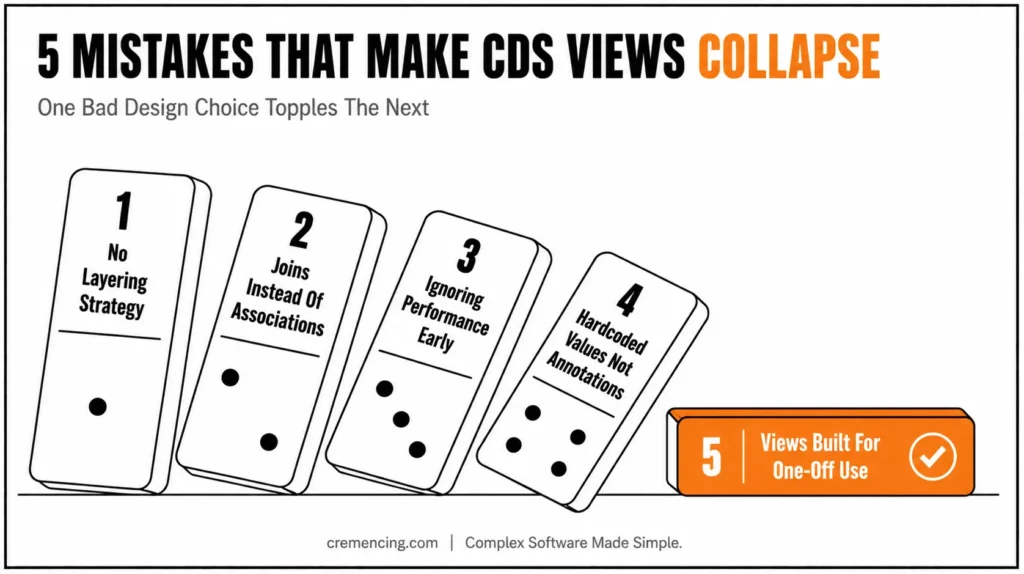
Common Mistakes:
- Lack of a proper layering strategy
- Using joins where associations should be used
- Ignoring performance optimization early
- Using logic through hardcoded values instead of annotations
- Creating views for operational purposes
These problems result in performance slowdowns, maintenance difficulties, and minimal scalability.
| Design decision | Safer default | Production risk when misused |
|---|---|---|
| Explicit JOIN | Use when related data is required by the current result | Unnecessary joins and larger intermediate result sets |
| Association | Use for modeled relationships and navigation | Poor cardinality or path usage can produce unexpected SQL |
| View entity | Preferred modern CDS modeling approach where supported | Legacy patterns can complicate modernization |
| Interface/data model layer | Stable reusable semantics | Becoming a dumping ground for every consumer |
| Consumption/projection layer | Shape data for a specific consumer | Embedding reusable business logic too deep |
| DCL | Apply authorization deliberately | Hidden predicates can affect correctness and performance |
| Wide projection | Select only required fields | Larger payloads and unnecessary processing |
Best Practices:
- Always follow layered architecture
- Use associations strategically
- Keep views small and modular
- Optimize performance from the beginning
- Test with realistic data volumes
These successful implementations of CDS remind us: design is paramount.
Content Gap – The Missing Layer of CDS Design
Most content explains how to create CDS views while neglecting architectural considerations. The way that CDS views are structured determines whether a project succeeds or fails.
What Competitors Miss:
- Clear separation between data layers
- Reusability across applications
- Performance-first modeling approach
Advanced Insight
Below are the principles of good design when building CDS:
- The single responsibility principle drives each layer
- The views can be reused for multiple use cases
- Performance is about validating early, not late
That architectural mentality is the key to success in the long run.
Conclusion
CDS views do not usually fail in production because the developer forgot how to write CDS syntax. Instead, they fail because the model was designed without enough attention to its real consumer, data relationships, authorization behavior, release constraints, and production workload.
The most important lesson is to treat CDS as a data-modeling decision rather than just a database-development task. Validate association cardinalities, avoid unnecessary joins and fields, separate reusable models from consumer-specific requirements, and test the generated workload with realistic data.
Modern CDS view entities also make release awareness important. A design written for an older DDIC-based CDS pattern should not automatically be treated as the right starting point for a current S/4HANA implementation.
Before transport, review the model from four angles: correctness, architecture, authorization, and performance. As a result, if those four areas are validated against the actual consumer and target SAP release, CDS becomes much easier to maintain and far less likely to become the production bottleneck it was supposed to prevent.
For more insights, read: Develop SAP Fiori App from CDS View
FAQ Section
1. Why do CDS views become slow in production?
Usually because production exposes data volumes, join relationships, authorization restrictions, and consumer access patterns that were not represented during development testing.
2. Are CDS associations faster than joins?
Not automatically. Associations describe relationships and can result in joins when consumed through path expressions. Performance depends on the generated SQL and execution plan, not simply on choosing the association keyword.
3. What is the difference between a CDS view and a CDS view entity?
A CDS view entity is the modern CDS modeling construct in ABAP. It differs from older DDIC-based CDS views in supported features, annotations, and technical handling. SAP documents view entities as a central part of modern ABAP CDS modeling.
4. Can incorrect CDS cardinality cause wrong results?
Yes. Cardinality expresses assumptions about the relationship between entities. If the modeled relationship does not match the underlying business data, consumers can encounter unexpected results, including row multiplication when relationships are followed.
5. Does DCL affect CDS performance?
It can. CDS access controls add authorization conditions to CDS access, so the runtime behavior should be tested with representative business-user authorizations rather than only with unrestricted technical access.
6. Should every CDS view follow Basic, Composite, and Consumption layers?
No. That is a useful architectural pattern, but it should not be presented as the only official classification of CDS objects. The appropriate model depends on the use case and target architecture.
7. Why should CDS views be tested with production-like data?
A CDS model can perform acceptably with development-sized data and behave very differently at production scale. Data volume, selectivity, relationship cardinality, and authorization restrictions can materially change runtime behavior.
8. Is code pushdown enough to guarantee CDS performance?
No. Code pushdown moves processing toward the database, but the resulting SQL still needs to be designed and measured. Joins, associations, filters, aggregations, dependencies, and authorization conditions all influence the workload.
9. Should I use @AbapCatalog.sqlViewName for a new CDS view entity?
Not for a modern CDS view entity. @AbapCatalog.sqlViewName belongs to older DDIC-based CDS patterns and should not be presented as a required annotation for current view entities.
10. How do I troubleshoot a CDS view that works in development but is slow in production?
Start with the actual consuming statement, identify the generated SQL and expensive execution steps, check joins and cardinalities, evaluate filters and data volume, inspect authorization/DCL behavior, and compare results under realistic production-like conditions.
Resources:
SAP Help Portal (CDS Docs)
SAP Community
OpenSAP (Free SAP HANA courses)




