Understanding SAP CAPM Custom Functions and When to Use Them
SAP CAPM Custom Functions let you define and use your own business logic in the SAP Cloud Application Programming Model (CAP). CAP provides a structured way to build enterprise applications and services on SAP. However, standard CRUD operations do not always cover every business requirement.
For example, you may need to calculate a customer status, perform a validation lookup, or determine a service level without changing the underlying entity data. Therefore, CAP custom functions provide a way to handle this logic separately. The key is understanding when a function should be bound to an entity and when it should remain unbound at the service level.
This post explains that distinction through a practical CAP Node.js example. You will learn how to create a CAP project, define bound and unbound functions in CDS, implement their handlers in JavaScript, and call them through OData V4. In addition, the post covers project structure, local testing, and the key differences between CAP functions and actions.
Whether you are new to CAP or already working with SAP development, this Cremencing guide focuses on practical implementation. As a provider of SAP custom development services, Cremencing highlights development patterns and real-world considerations. Throughout the guide, you will find working examples that show how custom functions fit into CAP applications and when to use each approach.
What is SAP CAPM?
SAP Cloud Application Programming Model (CAPM) is a development framework designed for building full-stack applications within the SAP ecosystem. CAP applications also commonly run on SAP BTP, where developers can combine application services with databases, integrations, and other platform capabilities.
It supports Node.js and Java runtimes and is used to develop multi-target applications (MTAs) across the following layers:
| Area | CAP role |
|---|---|
db/ | Domain models and database-related artifacts |
srv/ | Service definitions and application/business logic |
app/ | Optional UI/application content |
Steps to Create a CAPM Demo Project
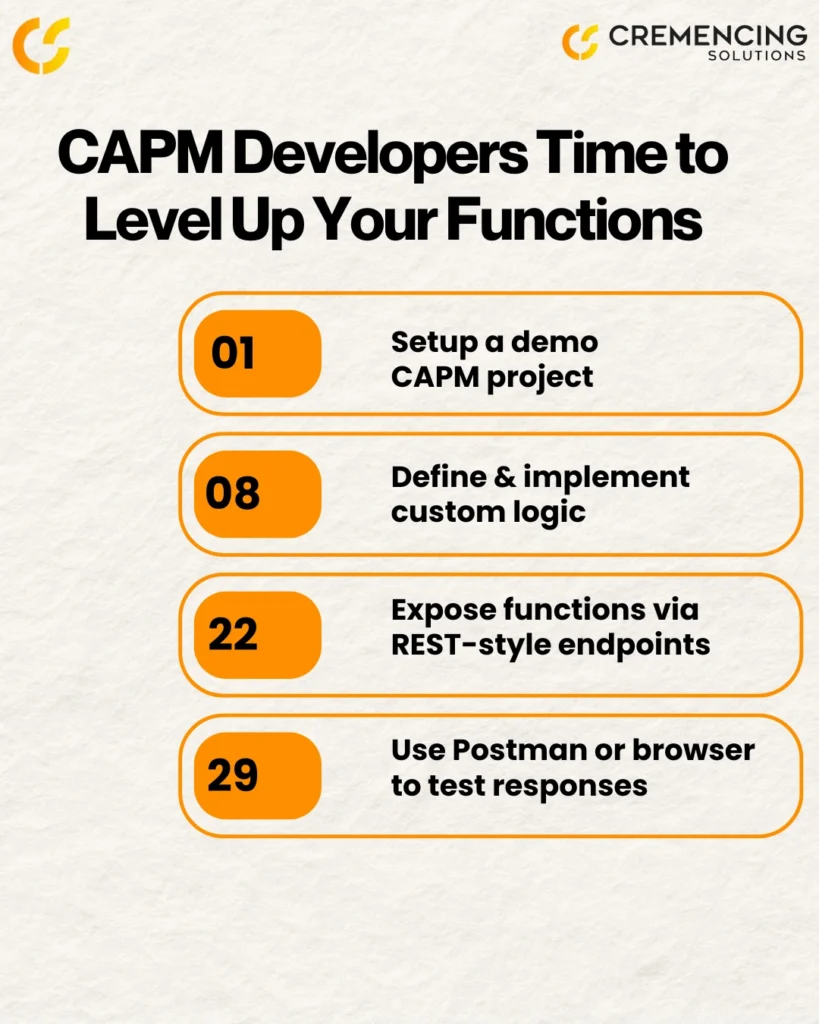
You can create a CAPM project using the CLI in VS Code or the project wizard in SAP Business Application Studio (BAS). First, choose the environment that best fits your development workflow. Then, initialize the project and add the required CAP files and dependencies. Finally, run the project locally to verify that the basic CAP service is working correctly.
Option 1: Using Command Line Interface (CLI)
cds init my-capm-project
cd my-capm-project
npm install
Option 2: Using SAP BAS Wizard
- Log in to SAP BAS
- Start a new project from the template: “Basic CAP Project”
- Include sample data (optional)
- Wait for the project scaffolding to be completed
Project Structure Overview
| Folder/Files | Purpose |
| db/ | Data model definitions (e.g., data-model.cds) |
| srv/ | Service definitions & logic (.cds, .js files) |
| app/ | Optional UI layer |
| package.json | Project metadata and dependencies |
| cdsrc.json | CAPM configurations |
| gen/ | Auto-generated content for builds |
After initializing, use cds watch to start the server and auto-refresh upon changes. Your CAPM application will be live on http://localhost:4004.
Implementing SAP CAPM Custom Functions
What Are Custom Functions?
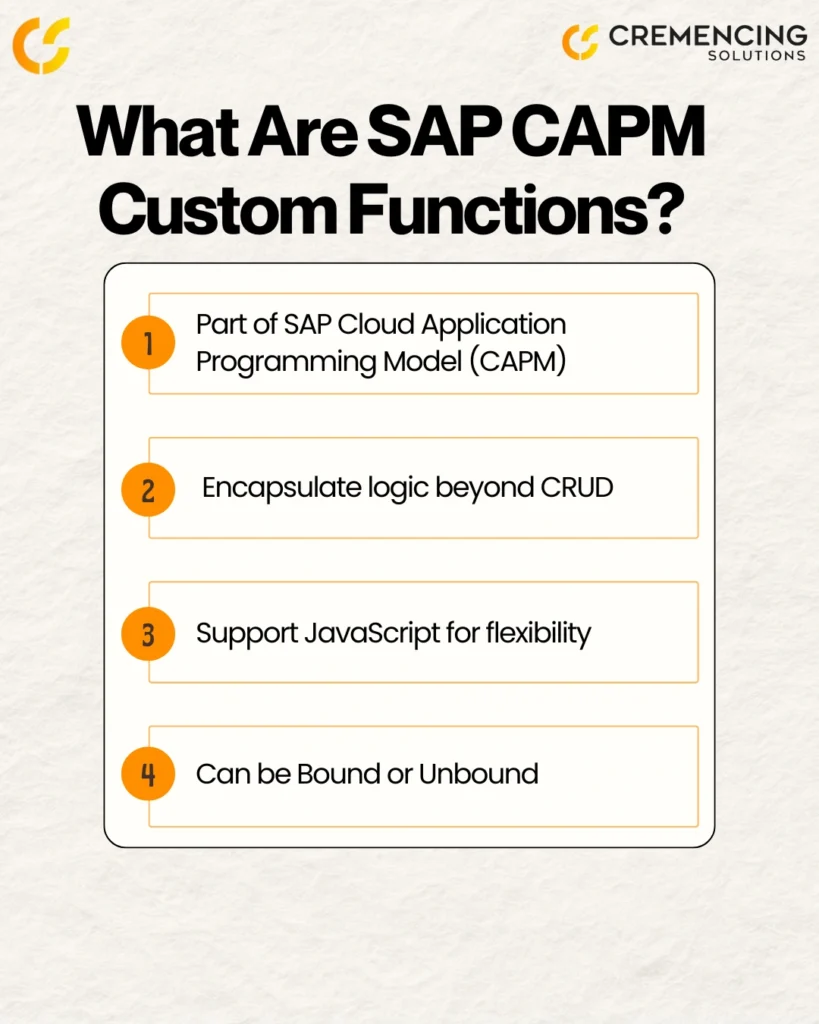
Custom functions in SAP CAPM are used to encapsulate reusable business logic that goes beyond standard CRUD operations. For example, they can calculate values, validate information, or retrieve specific results based on application requirements. They can be either bound to specific entities or unbound and globally accessible across the service. In this way, custom functions help keep complex logic organized without adding unnecessary changes to the underlying data model.
Bound Functions
Bound functions are directly linked to a data entity and are often used for entity-specific computations or logic.
Step 1: Define the Function in .cds
File: srv/custservice.cds
entity Customer {
ID: UUID;
name: String;
}
function boundedFunction(msg: String): String;
Step 2: Implement the Function in .js
File: srv/custservice.js
module.exports = (srv) => {
srv.on(‘boundedFunction’, async (req) => {
const { msg } = req.data;
return `Bound Function Response: ${msg}`;
});
};
Step 3: Call the Function via URL
http://localhost:4004/api/customer/CustService.boundedFunction(msg=’Welcome’)
Unbound Functions
Unbound functions are service-level operations that do not rely on specific entities.
Step 1: Define the Function in .cds
function greetUser(name: String): String;
Step 2: Implement the Function in the .js
module.exports = (srv) => {
srv.on(‘greetUser’, async (req) => {
return `Hello, ${req.data.name}`;
});
};
Step 3: Call the Function via URL
http://localhost:4004/api/greetUser(name=’SAP Developer’)
Running & Testing the CAPM Project
Use the following command to run and observe your custom functions:
cds watch
Visit http://localhost:4004 to view available services. Each custom function you’ve defined will be exposed as an endpoint and can be tested using any REST client (like Postman) or directly from the browser.
Key Differences: Functions vs. Actions in CAPM
| Feature | Functions | Actions |
|---|---|---|
| Intended semantics | Retrieve/calculate data | Perform an operation that may change server state |
| HTTP usage | GET | POST |
| Parameters | Supported | Supported |
| Typical use | Calculations, queries, validation-style retrieval | Approvals, cancellations, updates, business operations |
Use functions when you need to return a value without modifying data. Use actions when your logic causes data changes or business events.
For projects that require custom SAP applications, APIs, or service-layer business logic beyond standard capabilities, SAP Custom Development can extend the existing landscape.
Conclusion
Custom functions in CAP are most useful when you need service logic that does more than expose standard CRUD operations. The key implementation decision is whether the operation needs an entity context. Bound functions work with a specific entity instance, while unbound functions operate at the service level. CAP then maps those definitions into OData operations that clients can invoke through the generated service endpoint.
For a production implementation, the important step is not simply getting a function to return a value. The CDS definition, Node.js handler, OData URI, service path, authorization, and test data all need to line up. Starting with cds watch, checking the generated service metadata and testing the actual OData V4 request gives developers a reliable path from a local CAP prototype to a service that can support a real SAP application.
For companies that want to inject additional intelligence, automation, or custom processes into their SAP systems, custom development with CAPM is the way forward.
Ready to discuss your next project?
Visit our Contact Page or explore our SAP Custom Development Services to learn more.
FAQs
1. What are the steps involved in creating a demo project using SAP Cloud Application Programming Model (CAPM)?
Start by running cds init, define your data and service layers, install dependencies using npm install, and use cds watch to launch the application.
2. How can you define and use custom functions in a CAPM service layer?
You define the function in a .cds file and implement the logic in a .js file of the same name within the srv/ folder.
3. What is the role of the srv folder in an SAP CAPM project?
The srv folder houses your service definitions and business logic, including custom functions and actions.
4. How does the CAPM framework support the implementation of custom business logic?
CAPM allows the use of JavaScript or Node.js modules for service handlers via the srv.on() method, offering flexibility and async handling.
5. What is the difference between actions and functions in CAPM?
Functions are read-only and return data, while actions can modify data or trigger workflows. Use functions for calculations and actions for processing.
6. What is the difference between a bound and unbound function in SAP CAP?
A bound function is associated with an entity and is called in the context of a specific entity instance. An unbound function belongs to the service itself and does not require an entity key. CAP follows the corresponding OData modeling and URI conventions.
7. How do you call a bound function in SAP CAP?
A bound OData V4 function is called through the entity instance followed by the service-qualified function name. The general pattern is /EntitySet(key)/ServiceName.functionName(...). The exact service root depends on the CAP service path.
8. How do you call an unbound function in SAP CAP?
An unbound function is called directly from the service root. For OData V4, the general pattern is /functionName(...), using GET. Parameters are supplied in the function’s parentheses.