

Introduction:
What Are S/4HANA Fiori Apps?
What Are S/4HANA Fiori Apps?
SAP S/4HANA Fiori apps provide role-based access to business processes through a modern, responsive interface. They help users complete operational tasks, monitor business information, and manage workflows without navigating multiple traditional SAP GUI transactions.
Built on SAP Fiori design principles, these applications support different business roles across finance, procurement, inventory management, and other enterprise functions. Their capabilities range from transactional processing to analytical reporting and access to business object information.
Selecting the right Fiori applications requires more than evaluating their interface. Organizations must consider business requirements, user roles, backend integration, and the functionality available in their S/4HANA release.
At Cremencing Solutions, we help organizations extend SAP capabilities through custom Fiori development, adapting applications to business workflows that standard functionality may not fully address.
Why S/4HANA Fiori Apps Matter
SAP Fiori applications improve how employees interact with S/4HANA business processes. Their value extends beyond interface design by making relevant tasks and information accessible according to individual responsibilities.
- Role-based access: Users see applications and business information relevant to their responsibilities.
- Simplified transactions: Task-focused interfaces reduce unnecessary navigation through traditional SAP screens.
- Responsive access: Applications adapt to supported desktop, tablet, and mobile environments.
- Process visibility: Users can review relevant business information and take actions within supported workflows.
- Personalized workspaces: Launchpad personalization helps users organize frequently accessed applications.
For organizations running S/4HANA, these capabilities can improve daily operations when applications are properly configured around business processes and user requirements.
Top 3 Favorite S/4HANA Fiori Apps
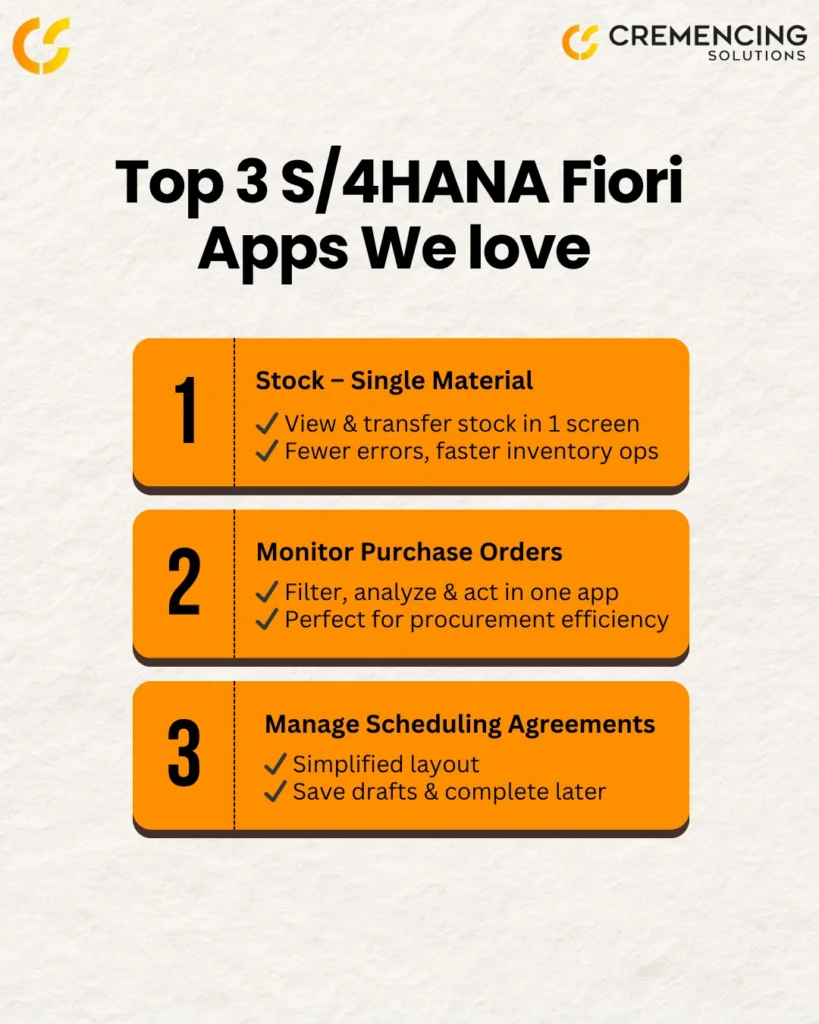
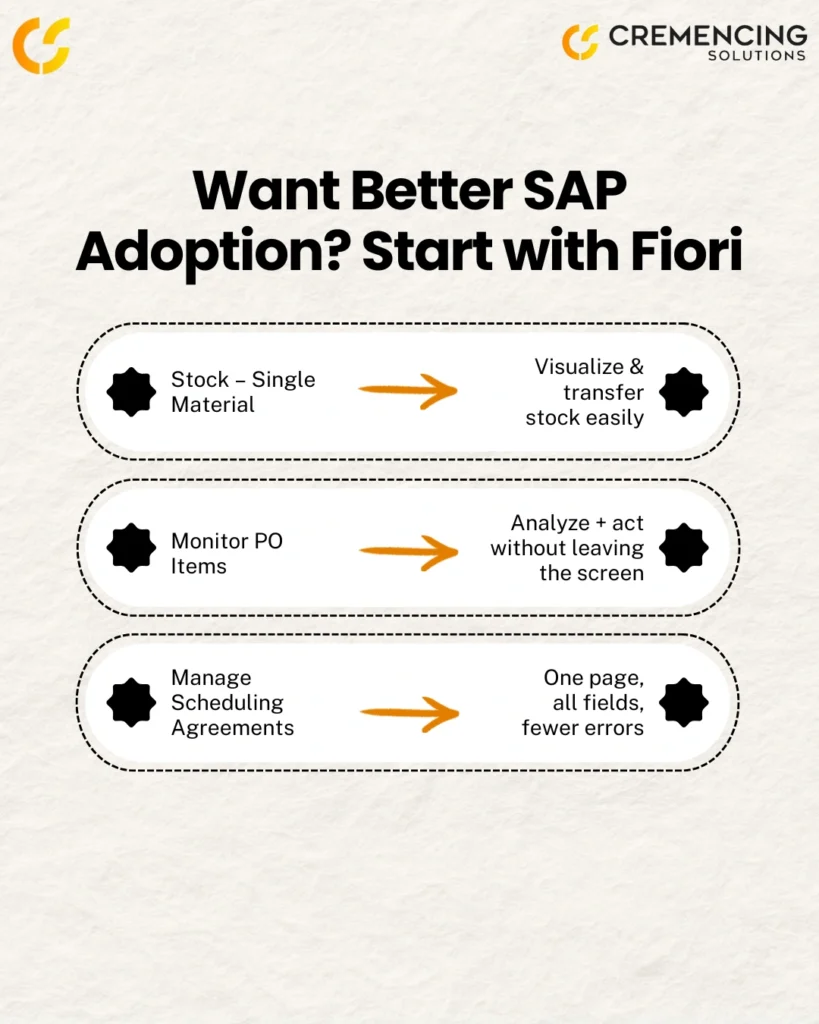
1. Stock – Single Material
This app shows you the total amount of a single commodity in stock at different locations. It cuts down on the number of transactions you need to look at and puts all the important inventory tasks into one easy-to-use interface. As a result, users may easily move stocks around using guided, easy-to-use overlays that cut down on mistakes and speed up the process.
Features:
- Check to see if stock is available in your area
- Do transfers without having to switch between screens
- Use arrows and other visual signals to show the direction of the transfer.
- From the overview screen, you can go straight to associated actions.
| Fiori application | Business function | Primary users | Main value |
|---|---|---|---|
| Stock – Single Material | Inventory management | Inventory professionals | Material stock visibility |
| Monitor Purchase Order Items | Procurement monitoring | Purchasing specialists | Purchase order analysis |
| Manage Scheduling Agreements | Supplier procurement | Procurement teams | Agreement maintenance |
2. Monitor Purchase Order Items
This Fiori app combines reporting and transactional features into one place, which cuts down on the requirement for tools like Excel or SAP BW. People may filter, search, and do things with purchase order items right in the app.
Main Benefits:
- No more flipping between tools
- Allows actions based on context
- Great for jobs in procurement and supply chain
- Provides search, filtering, and useful KPIs
3. Manage Scheduling Agreements
The SAP GUI might make it hard to manage long-term purchase agreements. This software makes things easier by showing all the required fields, options, and validation on one screen.
What Makes It Great:
- Easy-to-use interface with navigation that makes sense
- Required fields and error checks are highlighted.
- You can save drafts and finish them later.
- Lessens the need for cheat sheets or training materials
Key Features of S/4HANA Fiori Applications
| Feature | Benefit |
| Role-Based UX | Displays tasks and information based on user roles |
| Responsive Design | Adapts to desktops, tablets, and mobile devices |
| Enterprise Search | Global search for transactions, objects, and apps |
| Notification Center | Provides real-time task and approval alerts |
| Default Values | Allows personalized defaults for fields and filters |
| Personalization | Users can tailor home screens, themes, and layouts |
| Launchpad Integration | Central access point for all SAP and custom applications |
How SAP Fiori Apps Work with S/4HANA
SAP Fiori applications operate within an architecture that connects the user interface with S/4HANA business services and backend processing.
Understanding this interaction helps organizations evaluate application requirements, troubleshoot issues, and plan custom development.
The main components include:
1. User Interface Layer
SAPUI5 and SAP Fiori elements provide the technologies and frameworks used to build Fiori user interfaces. They support application layouts, navigation, user interactions, and data presentation.
2. Service Layer
OData services enable communication between supported frontend applications and backend business data and operations. They provide access to business information and actions exposed by the relevant services.
3. Backend Processing
S/4HANA handles business logic, data validation, and transaction processing. Application requests are processed according to the underlying business rules and system configuration.
4. Authentication and Authorization
User access depends on configured identity management, business roles, and authorizations. These controls determine which applications and business operations users can access.
This architecture allows Fiori applications to provide a consistent user experience while relying on S/4HANA for enterprise business processing.
Current Trends and Updates in Fiori
Currently, SAP continues to enhance the Fiori experience with each S/4HANA release:
- Q2 2025: Integration of SAP Joule AI recommendations within Fiori apps
- Improved “Spaces and Pages” navigation model
- Responsive tile enhancements for mobile and desktop
- Streamlined Launchpad with better layout control
Conclusion
In conclusion, S/4HANA Fiori Apps are an important part of the contemporary SAP ecosystem. They make things easier to use, work better, and fit better with the business. Specifically, Fiori apps make business resource planning easier by letting you manage stock, streamline procurement, and set up long-term agreements in a way that is easy to use and based on your function.
We help organizations set up and configure Fiori apps at Cremencing.com to get the most out of their SAP investment. We make sure that every application works with your workflow, not the other way around, using our SAP Custom Development services.
Want to make your S/4HANA experience better or build your own Fiori apps?
Cremencing Solution is an expert in SAP custom development. Moreover, they create custom Fiori solutions that make things easier and encourage users to use them.
Check out our custom development services. Let’s work together to make the future of your SAP landscape.
Frequently Asked Questions
1. What are SAP S/4HANA Fiori apps used for?
SAP S/4HANA Fiori apps provide access to business processes through role-based interfaces. Users can perform transactions, review business information, monitor operational activities, and manage workflows across supported enterprise functions.
2. What are the three types of SAP Fiori applications?
The traditional SAP Fiori application classification includes transactional apps for business operations, analytical apps for reporting and analysis, and fact sheet apps for contextual business information. The available application types and technologies depend on the SAP product and release.
3. How do SAP Fiori apps connect to S/4HANA?
Fiori applications communicate with S/4HANA through supported services, commonly using OData. The backend processes business requests, applies validation, and manages enterprise data according to configured business logic and authorizations.
4. How are SAP Fiori apps activated?
Application availability requires the relevant system configuration, including supported application content, services, catalogs, and user authorizations. The exact activation procedure depends on the S/4HANA deployment model and release.
5. What is the SAP Fiori Launchpad?
SAP Fiori Launchpad is the central entry point for accessing assigned Fiori applications. It organizes application access through configured spaces, pages, catalogs, and personalization options.
6. Can SAP Fiori apps be customized?
Yes. Organizations can use supported SAP extensibility approaches to adapt standard applications or develop custom Fiori applications. The appropriate approach depends on business requirements, available extension points, and clean-core considerations.
7. What is the SAP Fiori Apps Reference Library?
The SAP Fiori Apps Reference Library is SAP’s official resource for researching application documentation, supported products, technical information, implementation requirements, and relevant release availability.
8. What should organizations consider before implementing SAP Fiori apps?
Organizations should evaluate business requirements, application availability, user roles, authorizations, service configuration, integration dependencies, and deployment architecture. Testing these elements before rollout helps prevent access and functionality issues.